Satellite situational awareness
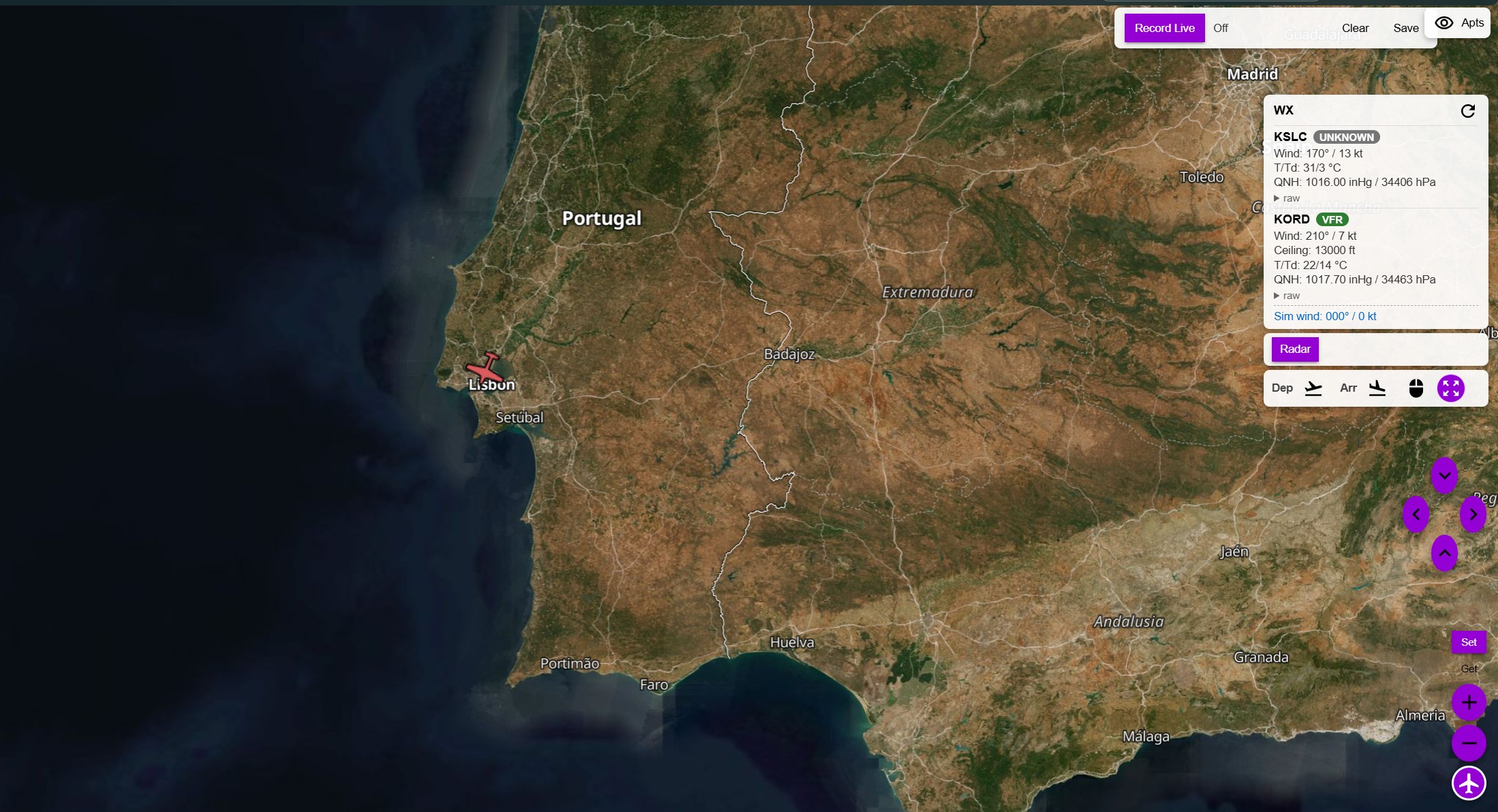
A satellite moving map with live aircraft position so you always know where you are — and never overshoot an airport again.
Follow your flight with charts, checklists and descent information in one visual companion.
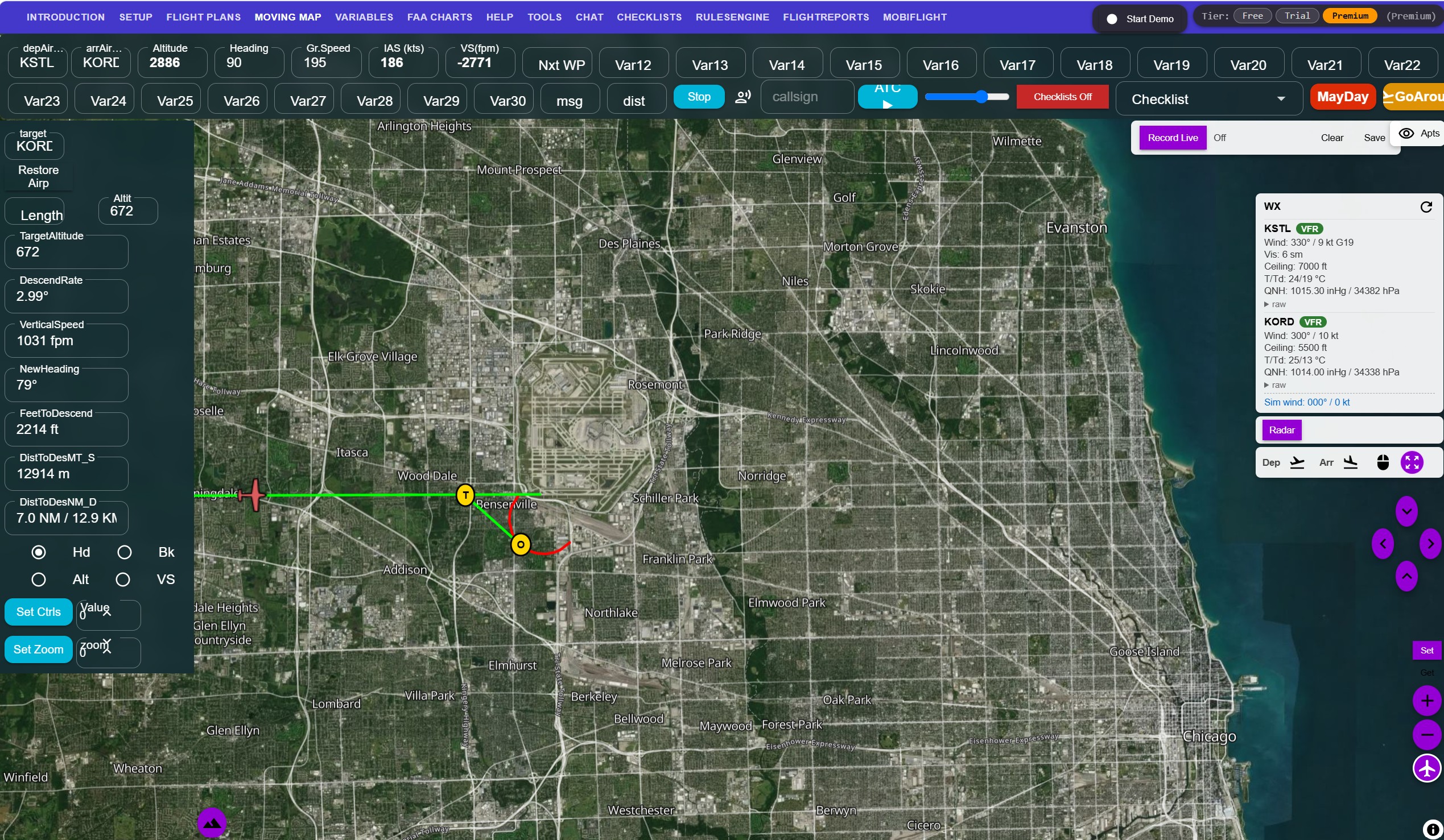
SimFlyMinimums is a Windows cockpit companion for Microsoft Flight Simulator 2020/2024 and X-Plane 11/12, made for beginner and intermediate simmers. It combines a satellite moving map, flight planning, 3-degree descent guidance, checklists and a virtual first officer. The essentials are free forever; Premium costs €8 a month or €88 a year.
A satellite moving map with live aircraft position so you always know where you are — and never overshoot an airport again.
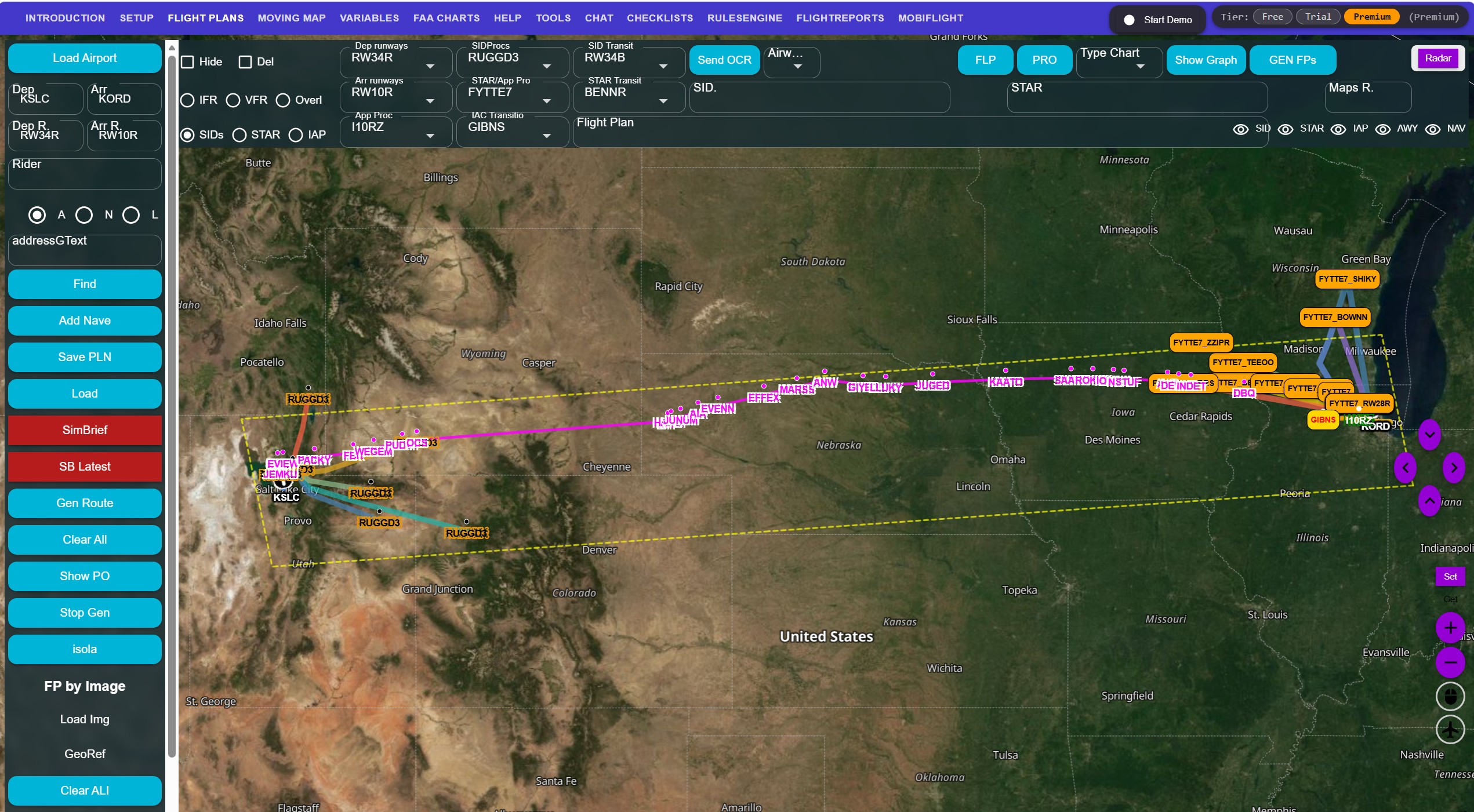
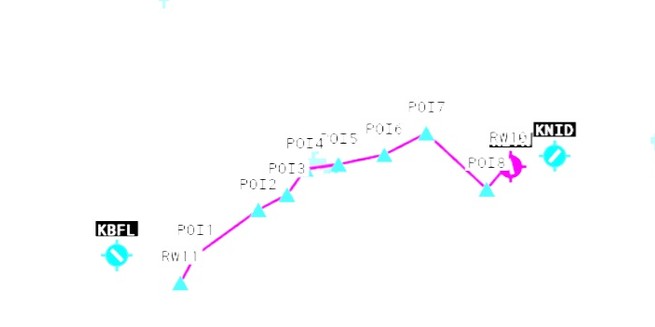
Build IFR, VFR and image-overlay routes, import PLN, GPX or SimBrief plans, and follow your progress on the map.
3-degree descent guidance, vertical-speed assistance and go-around support help you fly stabilised approaches every time.
Phase-aware checklists and alerts that build the habits real crews rely on — without overwhelming you.
A virtual pilot flying / pilot monitoring companion with callouts and a transcript, so you never fly the procedure alone.
Have fun with circle-to-land automation, FlightRadar-based flight recreation and other "funtastic" tools.
Real-time moving map powered by Azure Maps or MapTiler, with your aircraft position streamed live from the sim. Departure and arrival airports, runways, navaids and intersections are all there when you need them.
Create simple IFR, VFR and image-overlay routes, or import the plans you already have. SimBrief integration and IFR route generation mean you spend less time setting up and more time flying.
Whether you're shooting an instrument approach into a major hub or hunting for a grass strip in the mountains, SimFlyMinimums keeps you oriented and confident — the way it was originally built for bush flying.
“It started as a tool to stop me losing airports on bush flights across the two Papuas. It became the cockpit companion I always wanted.”
— Why SimFlyMinimums exists
Use the moving map, flight planning and basic checklists for free, forever. Unlock georeferenced chart overlays, phase-called checklists, the AI First Officer and the full cockpit companion with Premium.